
Is your inbox constantly filling up with newsletters, automated notifications, status reports and marketing emails? While many of these messages are useful, they can quickly bury the emails that actually need your attention.
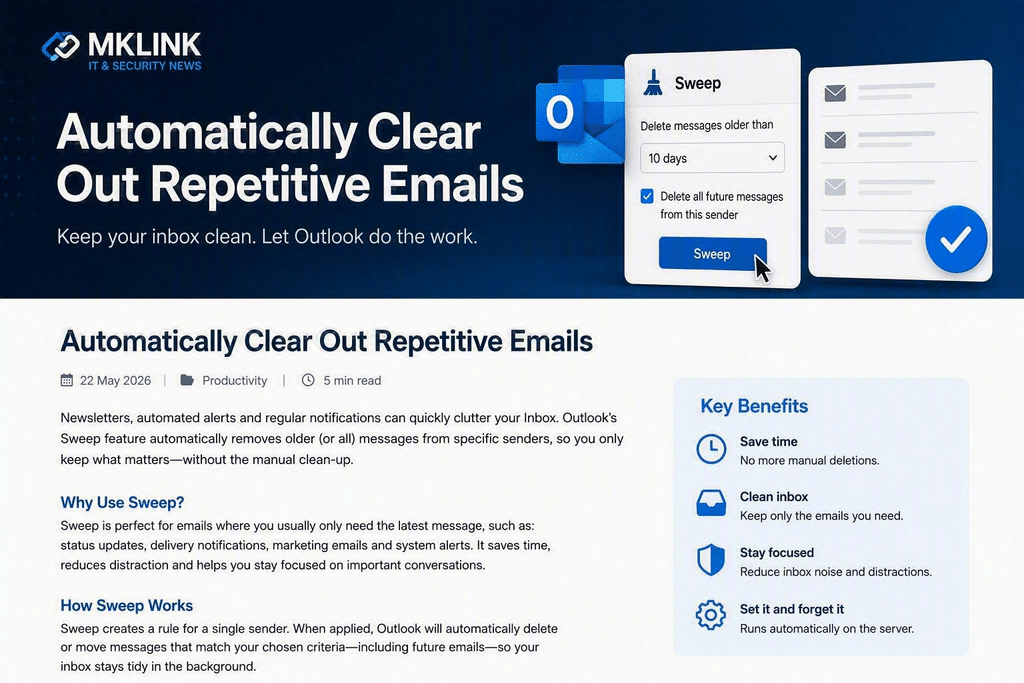
Fortunately, Microsoft Outlook includes a simple but often overlooked feature called Sweep that can automatically manage repetitive emails for you, helping keep your inbox organised with minimal effort. Based on publicly available descriptions of the Outlook Sweep feature, it can automatically delete or move recurring emails from specific senders.
Why Your Inbox Becomes Cluttered
Many businesses receive hundreds of automated emails every week, including:
- System notifications
- Delivery confirmations
- Marketing newsletters
- Software updates
- Monitoring alerts
- Automated reports
These messages often arrive regularly and can consume valuable inbox space. The result is a cluttered mailbox that makes it harder to spot important customer emails, support requests and business opportunities.
What Is Outlook Sweep?
Sweep is a built-in Outlook feature designed to help you automatically manage emails from specific senders. Rather than manually deleting or filing repetitive messages, Sweep applies rules that can automatically remove older emails or move them to a designated folder.
For example, you can:
- Keep only the most recent email from a sender
- Delete messages older than a specified period
- Move recurring emails into a separate folder
- Automatically process future emails from the same sender
Because these rules run automatically, your inbox remains organised without ongoing maintenance.
When Is Sweep Most Useful?
Sweep works particularly well for email categories where you typically only need the latest message, such as:
- Backup notifications
- Security alerts
- Courier and delivery updates
- Monthly reports
- Vendor newsletters
- Marketing communications
Instead of repeatedly tidying these emails, Outlook can do the work for you.
Benefits for Business Users
Save Time
Reduce the amount of manual inbox management and eliminate repetitive housekeeping tasks.
Stay Focused
Important emails become easier to find when unnecessary clutter is automatically removed.
Improve Productivity
Less time spent sorting emails means more time focused on customers, projects and strategic work.
Reduce Stress
A cleaner inbox makes it easier to stay on top of communications and avoid missing critical messages.
Don’t Let Your Inbox Control Your Day
Many Outlook users are unaware of the productivity tools already included within Microsoft 365. Features such as Sweep, Rules, Categories and Focused Inbox can significantly reduce email overload and improve efficiency across your organisation.
At EC Computers, we help businesses get the most from Microsoft 365, Outlook and other productivity tools. If your team is spending too much time managing email, we can review your setup and recommend simple improvements that save time every day.
Need Help Optimising Microsoft 365?
Whether you need Outlook training, Microsoft 365 support, security improvements or a complete productivity review, our team can help.
Call EC Computers on 0117 200 1000 or use our short contact us form