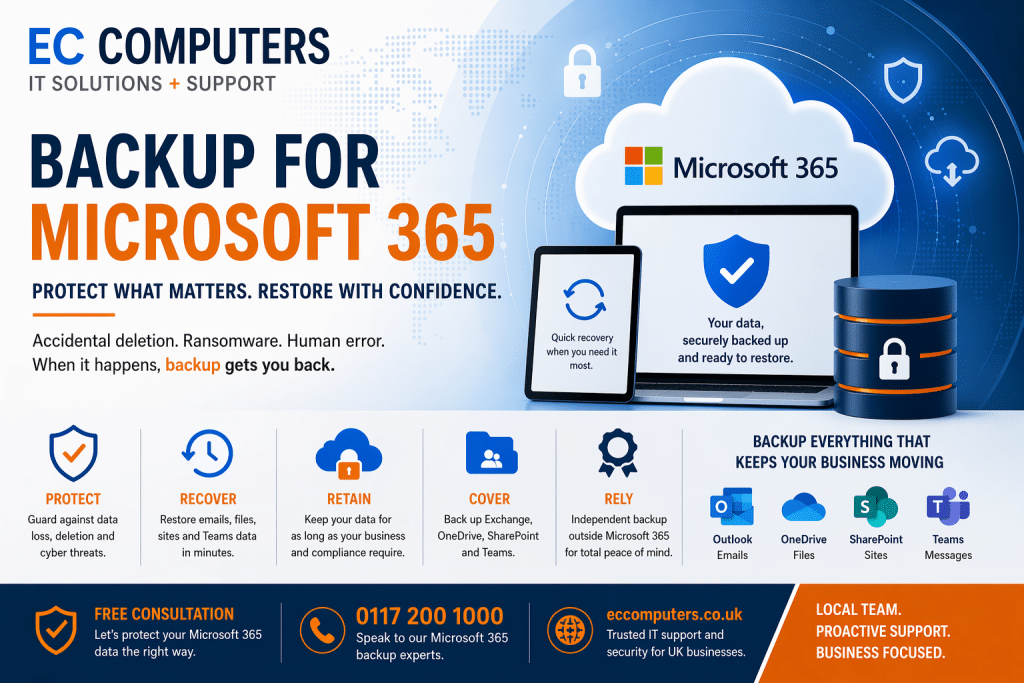
Backup for Microsoft 365 is the process of creating secure, independent copies of your emails, files, and Teams data so they can be restored if lost, deleted, or compromised.
Microsoft provides availability and retention tools, but you are responsible for protecting your data—which is why dedicated backup is essential.
What is Microsoft 365 Backup?
Microsoft 365 backup creates separate, recoverable copies of data stored in:
- Outlook / Exchange Online (emails)
- OneDrive (files)
- SharePoint (documents & sites)
- Microsoft Teams (messages & collaboration data)
Unlike standard Microsoft features, backup allows you to:
- Restore data to a specific point in time
- Recover deleted users or entire mailboxes
- Quickly recover from incidents like ransomware
This ensures your business can get back to normal fast after any data loss event.
Does Microsoft 365 Already Back Up Your Data?
👉 Short answer: Not in the way most businesses expect.
Microsoft provides:
- Infrastructure uptime and resilience
- Recycle bins and version history
- Retention policies for compliance
However:
- These are not full backup solutions
- Recovery is often limited or time-sensitive
- Data may be permanently lost after retention periods expire
Microsoft 365 Backup vs Retention (Key Difference)
| Feature | Retention Policies | Microsoft 365 Backup |
|---|---|---|
| Purpose | Compliance & data governance | Data recovery & business continuity |
| Storage | Inside Microsoft 365 | Independent backup location |
| Recovery | Limited, policy-based | Full, point-in-time restore |
| Protection | Short-term | Long-term, flexible |
👉 Retention decides how long data is kept. Backup ensures you can recover it.
Why Your Business Needs Microsoft 365 Backup
1. You’re Responsible for Your Own Data
Microsoft operates a shared responsibility model:
- Microsoft → keeps services running
- You → must protect and recover your data
Without backup, your data is at risk.
2. Protection Against Accidental Deletion
Users frequently:
- Delete emails or files
- Remove entire folders or accounts
If not caught within retention windows, the data is gone permanently.
3. Defence Against Ransomware & Cyber Attacks
Threats can:
- Encrypt files in OneDrive/SharePoint
- Spread through synced data
- Affect multiple users instantly
Backup allows you to restore clean versions quickly and minimise downtime.
4. Protect Against Internal Errors or Malicious Actions
Data loss isn’t always external:
- Misconfigured permissions
- Admin mistakes
- Disgruntled employees
Backup provides a reliable recovery point.
5. Ensure Business Continuity
Without backup, data loss can lead to:
- Downtime
- Lost productivity
- Customer impact
Backup ensures your business can continue operating even after a disruption.
6. Meet Compliance and Long-Term Retention Needs
Many industries require:
- Long-term data retention
- Audit trails
- Legal recovery
Native Microsoft tools may not meet these requirements alone.
What Can You Back Up in Microsoft 365?
A modern backup solution protects:
✅ Exchange Online (emails & calendars)
✅ OneDrive (files & folders)
✅ SharePoint (sites, libraries, permissions)
✅ Microsoft Teams (conversations & files)
This ensures complete coverage of your business-critical data.
What Happens Without Microsoft 365 Backup?
Businesses without backup risk:
❌ Permanent data loss
❌ Inability to recover deleted accounts
❌ Extended downtime after ransomware
❌ Compliance failures
❌ Financial and reputational damage
Cloud does not mean risk-free—backup is still essential.
Why Choose EC Computers for Microsoft 365 Backup?
We provide fully managed, business-grade backup solutions tailored for UK SMEs:
✅ Automated daily backups
✅ Fast, granular recovery
✅ Long-term retention options
✅ Cyber security integration (EDR, email security, etc.)
✅ Fully managed monitoring and support
We make sure your Microsoft 365 data is: 👉 Protected
👉 Recoverable
👉 Compliant
Frequently Asked Questions (FAQ)
Do I need backup if I use Microsoft 365?
Yes. Microsoft provides uptime and basic recovery tools, but you are responsible for protecting your data.
How long does Microsoft keep deleted data?
Typically between 30–90 days depending on the service, after which it may be permanently deleted.
Can I recover data after ransomware?
With a proper backup solution, yes—you can restore clean versions of your data quickly.
Is Microsoft 365 backup included in standard licences?
No. Full backup solutions are not included in most standard subscriptions and must be added separately.
Get Started with Microsoft 365 Backup
Don’t wait until data is lost.
👉 Book a free consultation with EC Computers
👉 Or request a Microsoft 365 backup review
We’ll help you put the right protection in place—quickly and cost-effectively.