
Deploy Microsoft Copilot With Confidence
Expert Copilot Consultancy, Deployment, Security & Training
Microsoft Copilot has the potential to transform productivity across your organisation, helping staff spend less time on administration, find information faster and get more value from Microsoft 365.
However, successful Copilot projects require more than simply purchasing licences.
Data quality, SharePoint structure, permissions, governance, security and user adoption all play a critical role in determining whether Copilot becomes a valuable business tool or an expensive disappointment.
At EC Computers, we help businesses prepare for, deploy and optimise Microsoft Copilot through practical consultancy, implementation services and ongoing support.
Talk to our Microsoft Copilot specialists today, call 0117 200 1000 or put your enquiry to our experts here
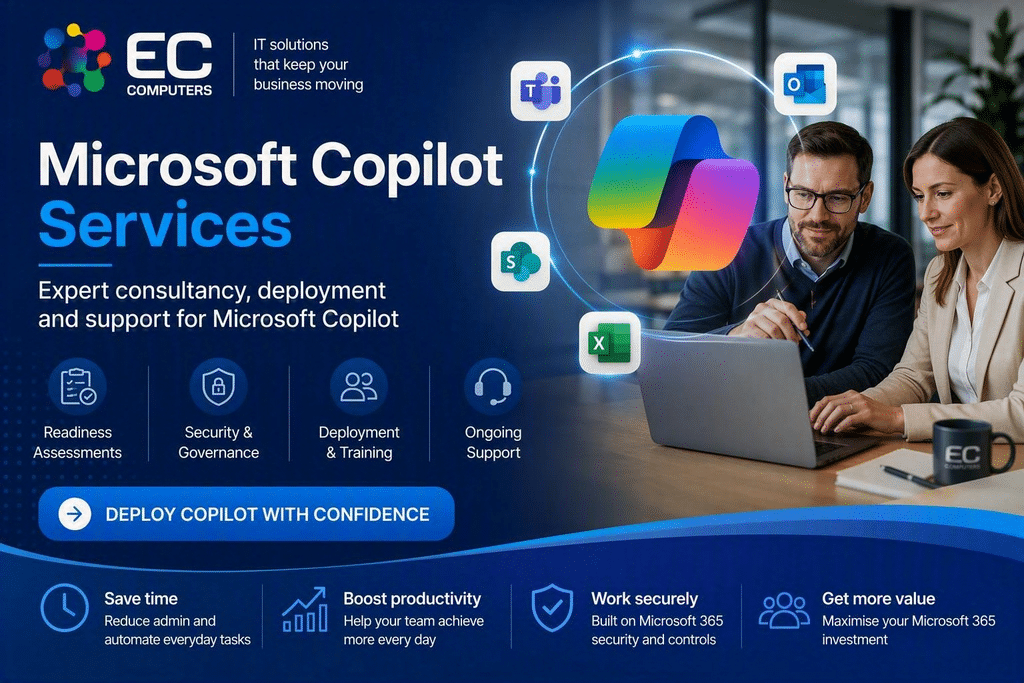
Why Businesses Need Copilot Consultancy
Many organisations are excited about AI, but few have reviewed whether their Microsoft 365 environment is ready.
Before introducing Microsoft Copilot, businesses should understand:
- Who can access what information
- Whether SharePoint permissions are correctly configured
- How sensitive data is protected
- Whether information is organised effectively
- How employees will use AI safely and responsibly
Without these foundations, Copilot may surface inaccurate information, increase risk or simply fail to deliver meaningful business value.
Our consultancy services help ensure your organisation is properly prepared before deployment begins.
Microsoft Copilot Readiness Assessment
Is Your Microsoft 365 Environment Ready For AI?
Our readiness assessment provides a structured review of your Microsoft 365 environment and highlights areas that may require attention before introducing Copilot.
The assessment typically includes:
✅ Microsoft 365 review
✅ SharePoint structure review
✅ Permission and access analysis
✅ Security and governance assessment
✅ Data quality review
✅ Existing licensing review
✅ User readiness evaluation
✅ Deployment recommendations
At the end of the process, you’ll have a clear understanding of whether Copilot is likely to deliver value and what improvements should be made before rollout.
SharePoint & Data Preparation
Microsoft Copilot Is Only As Good As The Information It Can Access
One of the most common challenges businesses face is poorly organised information.
Documents may be spread across:
- SharePoint sites
- OneDrive accounts
- Legacy file servers
- Shared folders
- Departmental systems
Microsoft Copilot performs best when information is organised, accessible and properly structured.
Our consultants can help:
SharePoint Optimisation
Improve document organisation and information architecture.
Permission Reviews
Reduce oversharing and improve data security.
Content Clean-Up
Remove outdated and duplicated information.
Knowledge Structure Improvements
Make information easier for both users and Copilot to find.
Security & Governance For Copilot
Protect Your Business Information
Copilot does not create security problems, but it can often reveal issues that already exist.
For example:
- Excessive file access
- Poorly controlled permissions
- Historical oversharing
- Weak governance policies
- Inconsistent information management
Our Copilot security services help organisations:
✅ Review user permissions
✅ Audit SharePoint access
✅ Assess external sharing
✅ Implement governance controls
✅ Develop AI usage policies
✅ Improve compliance and security posture
This helps ensure Copilot operates within clearly defined business controls.
Microsoft Copilot Deployment Services
A Structured Deployment Approach
Every business is different.
Some organisations want a limited pilot group, while others prefer a wider rollout strategy.
Our deployment services can include:
Licensing Guidance
Helping you select appropriate Microsoft licensing.
Environment Configuration
Ensuring Microsoft 365 is configured correctly.
Pilot Programmes
Testing Copilot with selected users before wider adoption.
Rollout Planning
Introducing Copilot in a controlled and manageable way.
Department-Specific Implementation
Tailoring use cases for different teams and business functions.
Our goal is to ensure users gain genuine productivity improvements from day one.
Microsoft Copilot Training
Helping Users Gain Real Value
Many businesses invest in technology but struggle with adoption.
Copilot is no different.
Without training, users often:
- Use basic prompts
- Miss productivity opportunities
- Develop inconsistent working practices
- Become frustrated with results
Our training programmes help employees understand:
Effective Prompting Techniques
Get better results from Copilot conversations.
Everyday Use Cases
Practical examples for daily work.
Responsible AI Usage
Understand governance and business policies.
Departmental Workflows
Industry and role-specific guidance.
Training can be delivered remotely or as part of a wider Microsoft 365 adoption programme.
Ongoing Copilot Support
Keeping Pace With Rapid AI Developments
Microsoft continues to introduce new Copilot capabilities, including AI agents, business process automation and deeper Microsoft 365 integration.
Our support services help you:
- Stay informed about new capabilities
- Review AI adoption progress
- Optimise business workflows
- Identify new use cases
- Improve return on investment
This ensures your organisation continues to gain value as the platform evolves.
Why Choose EC Computers?
Microsoft 365 Specialists
A strong understanding of Microsoft’s business platform.
SharePoint Expertise
Helping organisations improve information management and collaboration.
Security-First Approach
Ensuring governance and compliance remain priorities throughout deployment.
Practical Advice
Clear recommendations focused on business outcomes rather than technology jargon.
SME Focus
Supporting organisations across Bristol, the South West and beyond.
Related Resources
Looking for information about what Microsoft Copilot is and how it can help your business?
➡ Read our Microsoft Copilot for Business guide
Interested in preparing your organisation for AI?
➡ Ask about a Microsoft Copilot Readiness Assessment
Ready To Deploy Microsoft Copilot?
Whether you’re exploring AI for the first time or planning a wider Microsoft 365 strategy, EC Computers can help you deploy Microsoft Copilot securely, effectively and with clear business objectives in mind.
Book a Microsoft Copilot Consultation
📞 0117 200 1000
📧 Contact EC Computers today